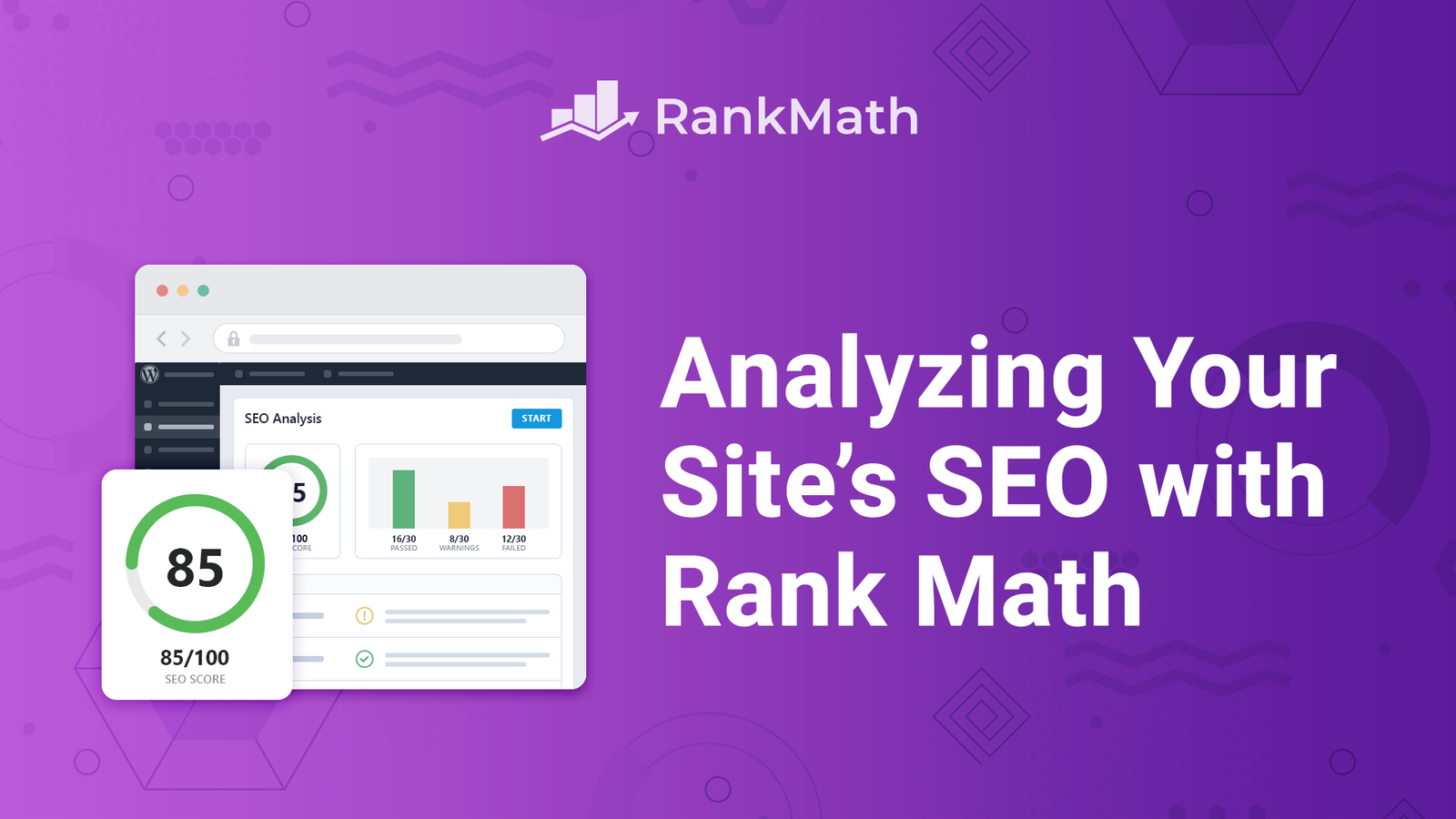
Do you want to know why your WordPress site is not getting more traffic? A good first step is to check your site for SEO problems. Rank Math has a built-in tool that does this for you.
In this guide, you will learn how to analyze website SEO with Rank Math. You will see where to find the tool, how to run it, how to read the results, and how to fix common problems. The steps are simple, so beginners can follow them.
Quick Answer: How Do You Analyze Website SEO with Rank Math?
Go to your WordPress dashboard. Click Rank Math SEO, then SEO Analyzer. Click Start SEO Analyzer. Rank Math scans your live site and shows a score. It also lists passed tests, warnings, and failed tests with tips to fix them.
What Is the Rank Math SEO Analyzer?
The Rank Math SEO Analyzer is a website SEO checker inside the Rank Math plugin for WordPress. It scans your site and tests it against common SEO best practices.
Rank Math used to call this feature “SEO Analysis.” The company has since renamed it to SEO Analyzer. You may still see the old name in older tutorials.
Think of it like a health check at the doctor. It does not fix your site on its own. It shows you what is healthy, what needs care, and what is broken.
What the Analyzer Looks At
The tool checks many parts of your site. The tests usually fall into groups like these:
- General SEO: Page titles, meta descriptions, headings, and content basics.
- Advanced SEO: Things like sitemaps, redirects, and other technical settings.
- Performance: How fast your pages load and how heavy they are.
- Security: Basic safety checks, such as whether your site uses HTTPS.
Rank Math may add, rename, or change tests over time. Always trust what you see in your own dashboard.
Free vs. Pro: What Do You Get?
Rank Math offers a free version and a paid Pro version. The SEO Analyzer is available in both, but Pro unlocks more.
Rank Math’s own guides mention a free analyzer with a print option for reports. They also say Pro users should check that the SEO Analyzer module is turned on. Some third-party guides say the Competitor Analyzer needs Pro. Plans and features can change, so check your own plan before you start.
| Feature | Free Version | Pro Version |
|---|---|---|
| Site-wide SEO Analyzer | Yes | Yes |
| Printable report | Yes | Yes |
| Competitor Analyzer | May be limited | Available per Rank Math Pro guides |
| Best for | Beginners and small sites | Agencies and growing sites |
What You Need Before You Start
Check these three things first. They save you time.
- Rank Math is installed and active. If you have not set it up yet, read the Rank Math download and complete guide.
- Your site is live. Rank Math must fetch your pages from its server. The analyzer does not work on a localhost or private test site.
- You have admin access. Some user roles can run site analysis, but others can only run on-page analysis.
How to Analyze Website SEO with Rank Math: Step by Step
Follow these steps in order.
Step 1: Open the SEO Analyzer
Log in to your WordPress dashboard. In the left menu, click Rank Math SEO. Then click SEO Analyzer.
Expected result: You see the SEO Analyzer page with two tabs: SEO Analyzer and Competitor Analyzer.
Common mistake: Some users do not see the menu item. If you use Pro, go to Rank Math SEO → Dashboard → Modules and turn on the SEO Analyzer module.
Step 2: Start the Scan
Click the Start SEO Analyzer button at the top of the page.
Expected result: Rank Math begins the scan. It usually takes only a few seconds.
Tip: If the scan fails, check that your site is live and not behind a password or maintenance page.
Step 3: Read Your Overall Score
When the scan ends, you see a score for your site. You also see how many tests passed, how many gave warnings, and how many failed.
Expected result: You get a quick picture of your site’s health.
Tip: Do not chase a perfect score. Some warnings may not apply to your site. Focus on the issues that affect your traffic and users.
Step 4: Review Each Test
Scroll down to see the details. Each test shows what it checks and why it matters. Failed and warning tests often include tips on how to fix them.
Expected result: You know exactly which problems to fix.
Tip: Start with the failed tests. Then move to warnings.
Step 5: Fix the Issues
Open the page or setting that needs work. Make the change. Save it.
Expected result: The problem is fixed on your site.
Common mistake: Changing many things at once. Fix a few items, then test again so you know what worked.
Step 6: Run the Analyzer Again
After you fix issues, click Start SEO Analyzer again. Compare the new results with the old ones.
Expected result: Fewer failed tests and a higher score.
Step 7: Print or Save the Report
Rank Math offers a print button for the report. You can use it to save a copy as a PDF or share it with a client or teammate.
Expected result: You have a record of your site’s SEO health on that date.
How to Read Your Rank Math SEO Results
Each test falls into one of three states. Here is what they mean.
- Passed: The test found no problem.
- Warning: Something could be better. It is not always urgent.
- Failed: Something needs your attention.
A failed test does not always mean your site will drop in Google. It means the tool found something that goes against a best practice. You should decide if it matters for your site.
Common Issues the Analyzer May Find (and How to Fix Them)
Every site is different. Still, these issues show up often.
| Issue | Why It Matters | Simple Fix |
|---|---|---|
| Missing or weak SEO title | Titles help people and search engines understand your page | Write a clear title with your main topic near the start |
| Meta description too short or too long | It affects how your listing looks in search results | Write a short summary that fits the space and invites clicks |
| Missing sitemap | Sitemaps help search engines find your pages | Turn on the sitemap module in Rank Math |
| Slow page speed | Slow pages frustrate visitors | Compress images, use caching, and remove heavy plugins |
| No HTTPS | Visitors may see a “Not secure” warning | Install an SSL certificate through your host |
| Missing schema markup | Schema helps search engines understand your content | Add the right schema type to your pages |
If you need help with structured data, read this guide on how to add or remove schema in Rank Math.
How to Analyze a Single Page or Post
The site-wide scan looks at your whole site. For one page, use Rank Math’s on-page analysis inside the WordPress editor.
- Open a post or page in the editor.
- Open the Rank Math panel.
- Add your focus keyword.
- Review the checks for title, description, headings, links, and readability.
This gives you a content score and a list of tips for that page only. It is a good habit to check each new post before you publish it.
What Is the Competitor Analyzer?
The Competitor Analyzer lets you run an audit on another website’s page and compare it with your own.
Here is how it works:
- Go to Rank Math SEO → SEO Analyzer → Competitor Analyzer.
- Enter the competitor’s page URL.
- Click Start Audit.
- Scroll down to compare the results side by side.
Use the results to find gaps on your site. Do not copy what another site does without thinking. Their goals may be different from yours.
Common Mistakes to Avoid
- Trying to get a perfect score. A score is a guide. It is not a ranking guarantee.
- Ignoring context. A warning may not matter for your type of site.
- Running the tool on a local site. It needs a live URL.
- Fixing too many things at once. You will not know which change helped.
- Never running it again. SEO changes over time. A one-time check is not enough.
- Trusting the tool alone. Real people and real search results matter more than any score.
Best Practices for Better Website SEO Analysis
- Run the SEO Analyzer after you launch a new site.
- Run it again after big changes, like a new theme, a new plugin, or a redesign.
- Check your site on a regular schedule, such as once a month.
- Fix failed tests first. Then handle warnings.
- Keep a simple log of what you changed and the date.
- Use Google Search Console alongside Rank Math to see how your pages perform in real search results.
What the Rank Math SEO Analyzer Cannot Do
Be honest about the limits. The tool will not:
- Guarantee a top ranking in Google.
- Replace a full manual SEO review by an expert.
- Tell you the exact reason your traffic dropped.
- Write great content for you.
Rank Math is a helper. It points out problems based on known best practices. You still need to make smart choices.
Frequently Asked Questions
Is the Rank Math SEO Analyzer free?
A free version of the SEO Analyzer is available. Some extra features, like the Competitor Analyzer, may need Rank Math Pro. Check your own plan in your dashboard.
Why can’t I run the SEO Analyzer on my local site?
Rank Math needs to fetch your pages from its own server. A localhost or private site is not reachable, so the scan fails. Run it on a live site.
How often should I analyze my website SEO?
Once a month is a good habit for most sites. Also run it after big changes to your theme, plugins, or content.
Does a high Rank Math score mean I will rank higher on Google?
No. A high score means your site follows many SEO best practices. Rankings depend on many other things, like content quality, links, and competition.
What is the difference between the SEO Analyzer and the on-page analysis?
The SEO Analyzer checks your whole site. The on-page analysis in the editor checks one post or page at a time.
Why did Rank Math rename SEO Analysis to SEO Analyzer?
Rank Math updated the name of the feature. The tool works in the same basic way, so older tutorials still help with the main idea.
Can I print my SEO report?
Yes. Rank Math includes a print button on the results page. You can use it to save the report as a PDF.
Final Thoughts
To analyze website SEO with Rank Math, open the SEO Analyzer, start the scan, and read the results. Fix the failed tests first, then the warnings, and run the tool again to check your progress.
Treat the score as a guide, not a goal. Use it with good content, a fast site, and real search data. Do this on a regular schedule, and your site will stay healthy over time.
Disclosure: The Rank Math link below is an affiliate link. If you buy through it, I may earn a commission at no extra cost to you.
